 TripSweep
Finally, an easy way to clear out old trips
TripSweep groups your photos and videos by trip, so you can see exactly what's taking up space, back it up or send it to the people who were there, then delete it in one tap — without ever sending your data anywhere.
→ Also check out PhotoCull for Mac, the desktop app that sorts your photos
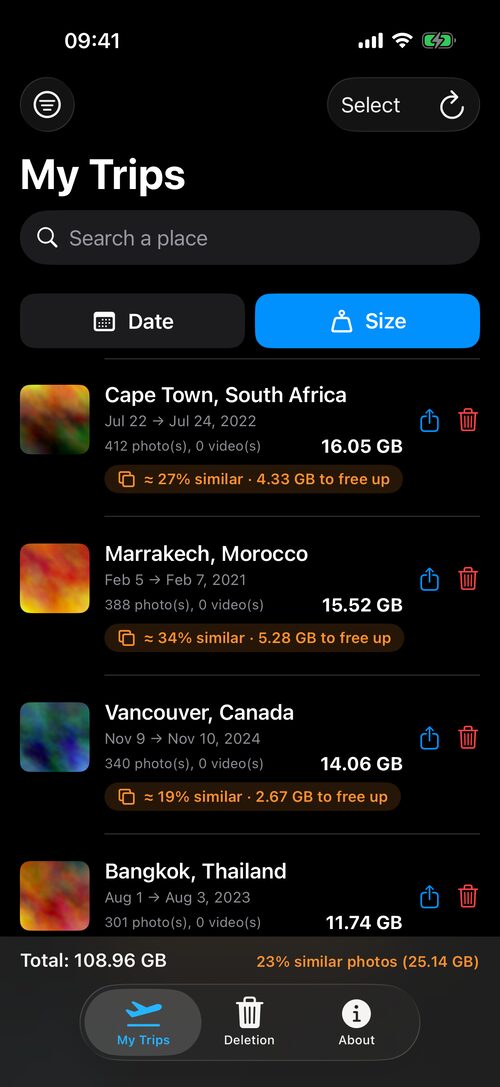
A look at the app
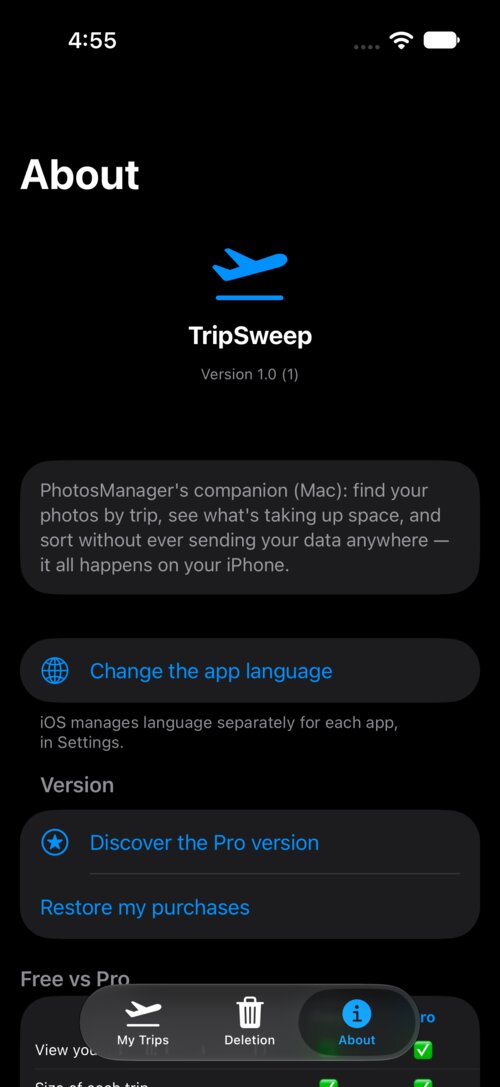
What the app does
Delete old trips without the guesswork
See exactly what a trip is taking up, then delete it all at once — always through “Recently Deleted”, never an immediate permanent delete.
Back it up, or send it to someone who was there
Export an entire trip to your Mac or Files before you delete it, or share it directly (AirDrop, Files...) with friends and family — nothing gets lost for good.
Automatic grouping by trip
Your photos and videos are grouped by trip — factoring in both time and location, so two different destinations never get mixed up.
The size that counts
Each trip shows how much space it takes up. Sort by size to spot at a glance what's really worth sorting through.
Custom places
Define your own places (Home, Work...) and exclude them from the list to keep only real trips.
100% offline
No photo or location ever leaves your iPhone. Place recognition works entirely without a connection, an account, or any third-party service.
Available in 5 languages
English, French, Italian, German, Spanish — the app automatically adapts to your iPhone's language.
Your privacy, taken seriously
TripSweep never collects, sends, or shares any of your photos, videos, or location data. All processing — including place recognition — happens locally on your iPhone.
Read the full privacy policy